What you'll learn
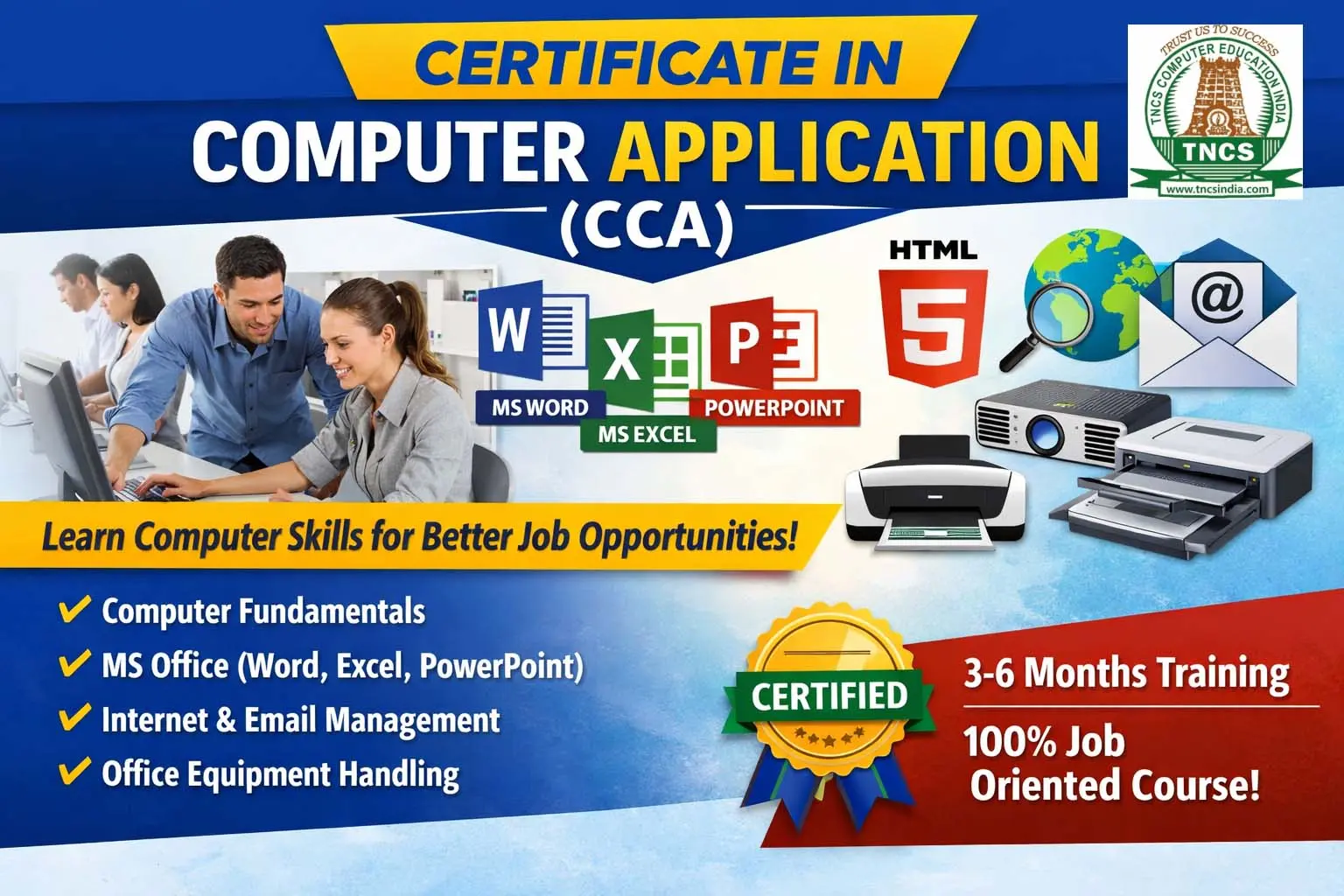
📘 Course Details – CERTIFICATE IN OFFICE AUTOMATION (COA)
🎓 Course Name
CERTIFICATE IN OFFICE AUTOMATION
🎯 Course Objective
The Certificate in Office Automation course is designed to make students job-ready for office, clerical, administrative, and computer operator roles by teaching essential computer and office productivity skills used in real workplaces.
This course focuses on practical knowledge, not theory-heavy learning.
👥 Who Can Join (Eligibility)
- SSLC / 10th Pass (or appearing)
- +2 students
- College students
- Job seekers
- Office staff
- Beginners with no computer knowledge
👉 No prior computer experience required
⏳ Course Duration
- 3 Months / 6 Months (as per TNCS structure)
- Flexible batch timings
- Practical-oriented training
🔑 In One Line
COA = Basic Computer + Office Skills + Job Readiness
Show More
Course Syllabus
📚 Course Modules & Syllabus
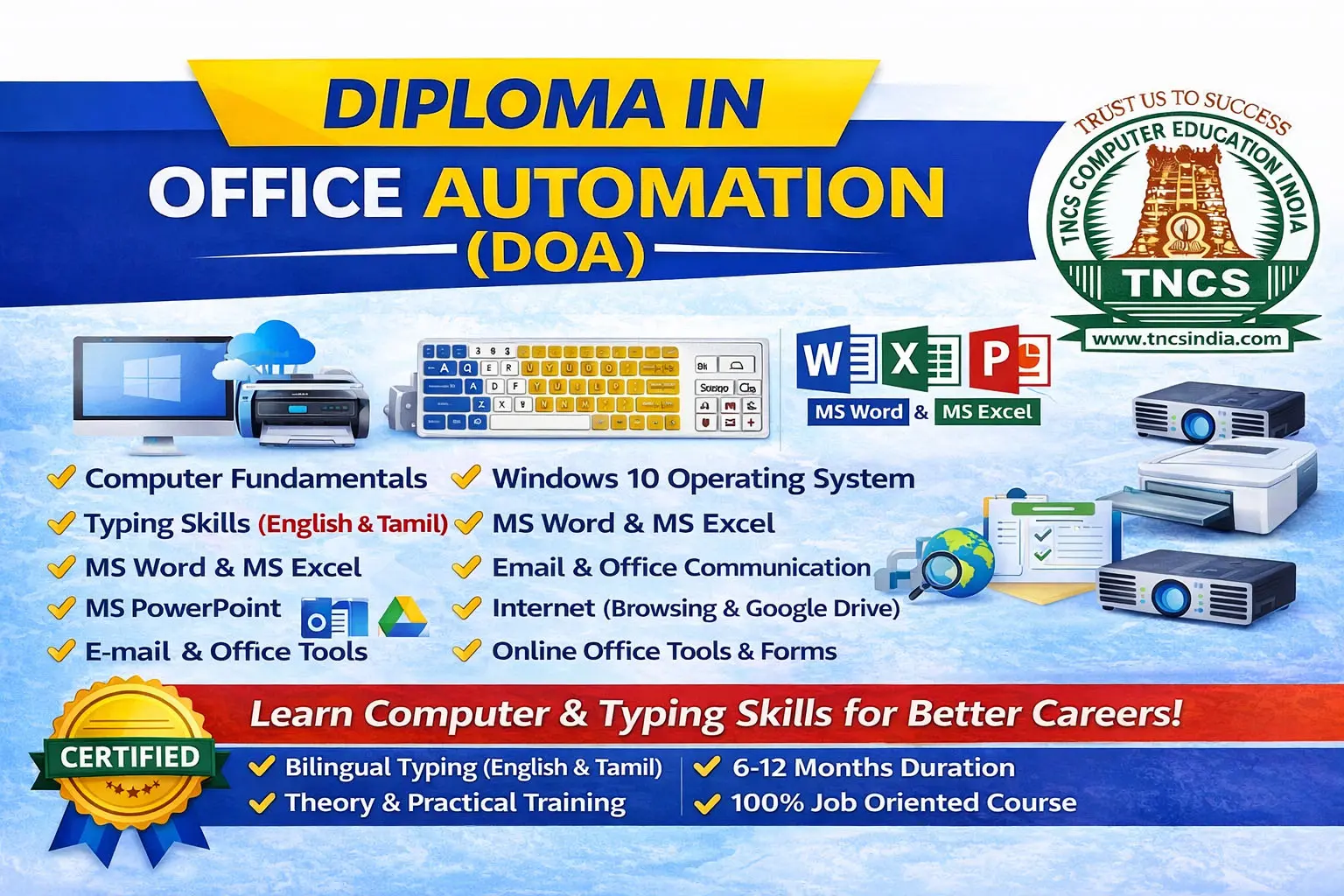
🖥️ Module 1: Computer Fundamentals
- Introduction to Computers
- Hardware & Software basics
- Input / Output Devices
- Operating System concepts
- File & Folder management
⌨️ Module 2: Typing Skills
- Keyboard basics
- English typing practice
- Speed & accuracy improvement
- Office typing formats
📝 Module 3: MS Word (Word Processing)
- Creating & editing documents
- Formatting text & paragraphs
- Tables, images & page setup
- Letters, resumes & reports
- Mail Merge basics
📊 Module 4: MS Excel (Spreadsheets)
- Worksheets & workbooks
- Data entry & formatting
- Formulas & functions
- Charts & graphs
- Simple data analysis
📽️ Module 5: MS PowerPoint
- Creating presentations
- Slide design & layouts
- Animations & transitions
- Business & academic presentations
🌐 Module 6: Internet & Email
- Internet basics
- Web browsing & searching
- Email creation & usage
- Online forms & downloads
- Cyber safety basics
🖨️ Module 7: Office Equipment Handling
- Printer, scanner usage
- Photocopier basics
- PDF creation & handling
🧪 Practical Training
- Real-time office work practice
- Assignments for each module
- Mini project / practical test
📝 Evaluation & Grading (TNCS Pattern)
- Practical Examination
- Internal Assessments
- Attendance & discipline
- Final Grade: A+, A, B, C
📜 Certification
After successful completion, students receive:
✅ TNCS Certificate – Certificate in Office Automation
- Course duration
- Grade mentioned
- Institution seal & signature
💼 Career Opportunities
After completing this course, students can work as:
- Computer Operator
- Office Assistant
- Data Entry Operator
- Front Office Executive
- Clerical Staff
- Junior Admin Assistant
🌟 Key Benefits
- Beginner-friendly
- 100% practical training
- Improves job confidence
- Suitable for government & private jobs
- Helps in daily office & personal computer use

 Bestseller